Uncrop Any Image with AI
Photo cropped too tight? AI extends it past the original edges, so the subject has space around it again.
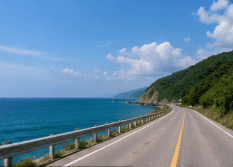
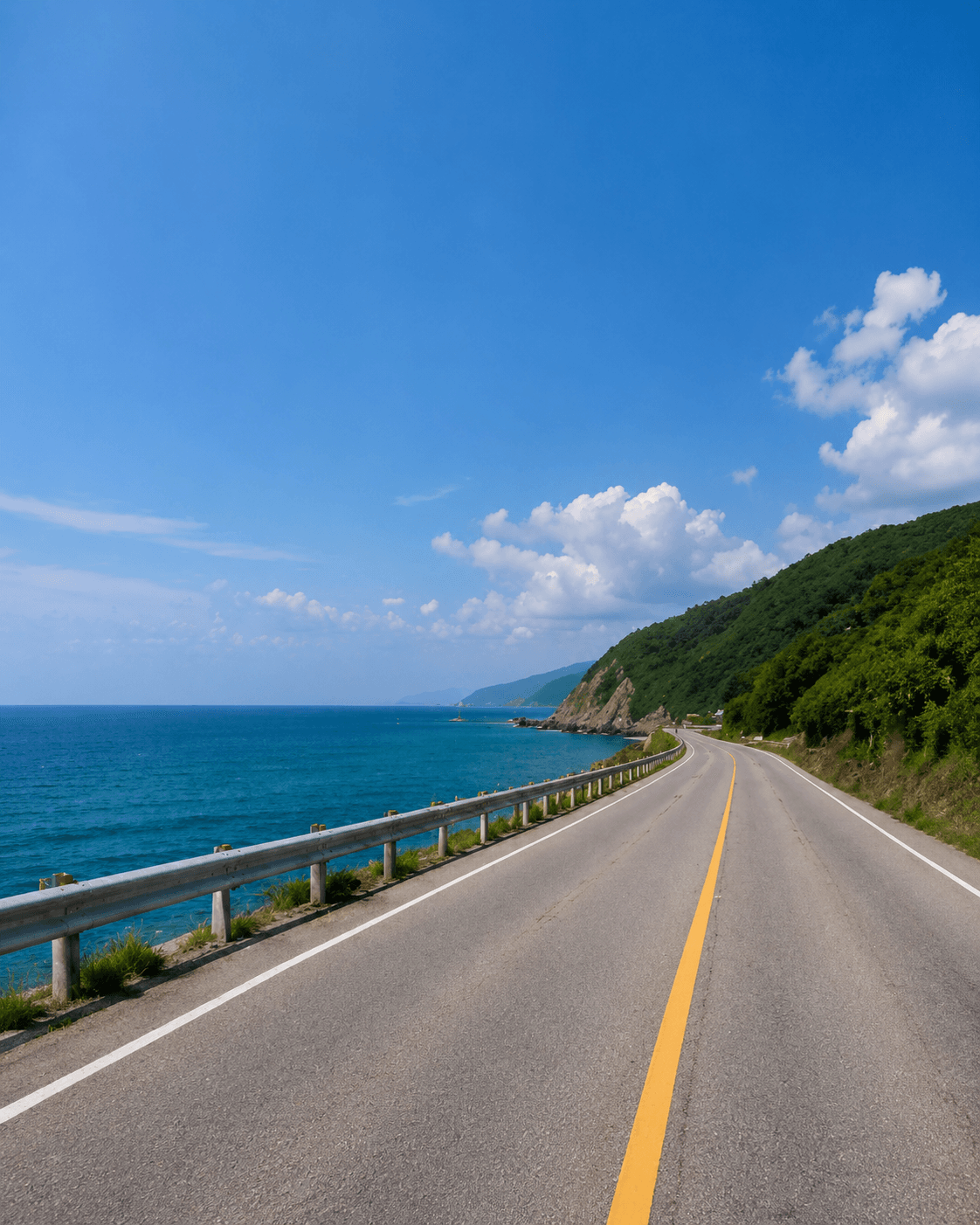
A Tight Shot, Uncropped
The road continues and the sky opens up above it. The original frame is kept; only new area is added.
Once a photo is cropped, the cut-off pixels are gone from the file, and no tool can bring the real ones back. What AI can do is uncrop the image: look at what is in the frame and generate new surroundings that continue it, so a tight shot gets breathing room again. ExpandMyImage does this automatically. You pick the shape you want, and it extends the image outward until it fits, keeping your original photo in the middle.
Uncrop vs Undo Crop
If you cropped a photo on your phone and the original is still in your library, the editor's revert option gets the real image back. Try that first.
If the original is gone, or the image reached you already cropped, AI uncropping is the next best thing: it generates believable new edges from the colors, textures, and lines in your photo.
The new area is generated, not recovered. It works best for backgrounds such as sky, grass, walls, water, and studio backdrops, and less well for missing parts of people, text, or logos.
How to Uncrop an Image
The shape you choose decides where new area is added.
Upload the cropped image
JPG, PNG, or WEBP up to 10MB.
Choose the shape you want
Wide images grow taller and tall images grow wider. Pick 4:5, 3:4, 2:3, or 9:16.
Download the uncropped image
Review the new edges and save the version you like.
Shapes You Can Uncrop To
ExpandMyImage extends images toward one of these portrait shapes.
RedNote / Xiaohongshu
Cover format currently available in the workspace.
Instagram Post
Vertical feed format currently available in the workspace.
Pinterest Pin
Pin format currently available, with an option for 3 candidates.
TikTok / Reels / Shorts
Vertical format currently available, with an option for 3 candidates.
Use Cases
When a photo is framed too tightly for where you want to use it.
Subject too close to the edge
Give a portrait or pet photo room above the head or around the sides.
Images you only have cropped
Extend photos that were cropped before they reached you.
Tight product shots
Add space so the product no longer touches the edges of the frame.
Reframing for social posts
Uncrop to a vertical post shape instead of cropping even more.
Feature Highlights
Extends past the edges
New image area continues the scene beyond the original frame.
Original kept
Your photo stays in the result; AI only generates the new area.
No prompt needed
The AI reads the photo itself; you do not have to describe anything.
Up to 3 candidates
Generated edges vary, so compare a few and keep the best.
Free credits included
Eligible new users can try it with no credit card required.
FAQ
Answers to common questions before you start expanding images.
Can you uncrop a photo?
Not in the sense of recovering the original pixels: cropping removes them from the file. If the original photo still exists, revert the crop in the app you used. Otherwise, AI uncropping generates new surroundings that continue the photo, which is what ExpandMyImage does.
How do I uncrop an image with AI?
Upload the image to ExpandMyImage, choose a target shape (4:5, 3:4, 2:3, or 9:16), and the AI extends the image outward until it fits that shape. Download the result. No prompt is needed.
Does uncropping change the original part of the photo?
ExpandMyImage keeps your original photo in the result and generates only the new area around it. Look closely at the seam between the original and the new area, and generate 3 candidates if one is not clean.
What kinds of images uncrop well?
Images whose edges are simple to continue: sky, sea, grass, sand, walls, floors, and plain studio backdrops. Edges that cut through faces, hands, text, logos, or detailed patterns are much harder, and results there need a careful check.
Can I uncrop to any size?
Not yet. ExpandMyImage extends images to four portrait shapes: 4:5, 3:4, 2:3, and 9:16. It adds space in one direction at a time, above and below or left and right, depending on the shape you choose. If your image already has the chosen shape, pick a taller one to add space.
Can I try it for free?
Yes. Eligible new users get free credits with no credit card required. More credits are available as one-time packs or a monthly subscription.
Related Pages
More ways to fit one image to every platform, plus credit pricing.
Start with one image.
Upload a supported image, choose a target ratio, and let ExpandMyImage expand the canvas.